
We have fully automated system where your account will be activated instantly after making payment of invoice. Once your account has been activated then you will need to follow below just 5 steps to get started downloading of your services database.
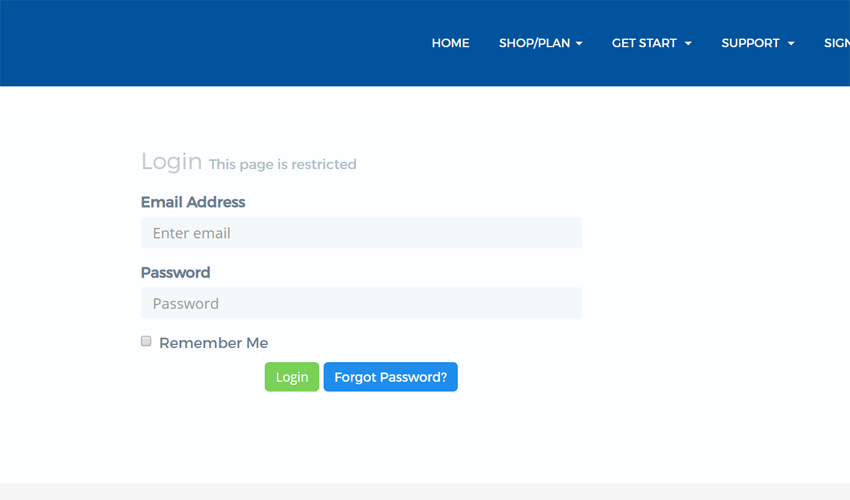
1: Login into Client area with your registered mail address and password.
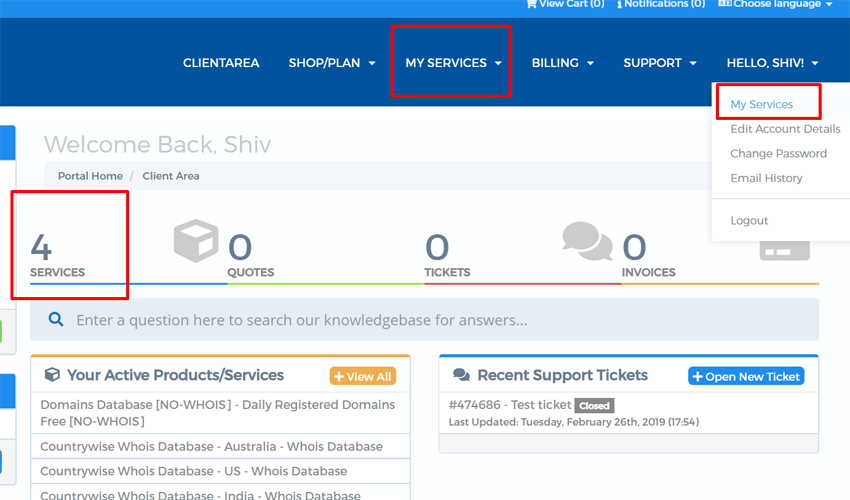
2: Go to My Services after login
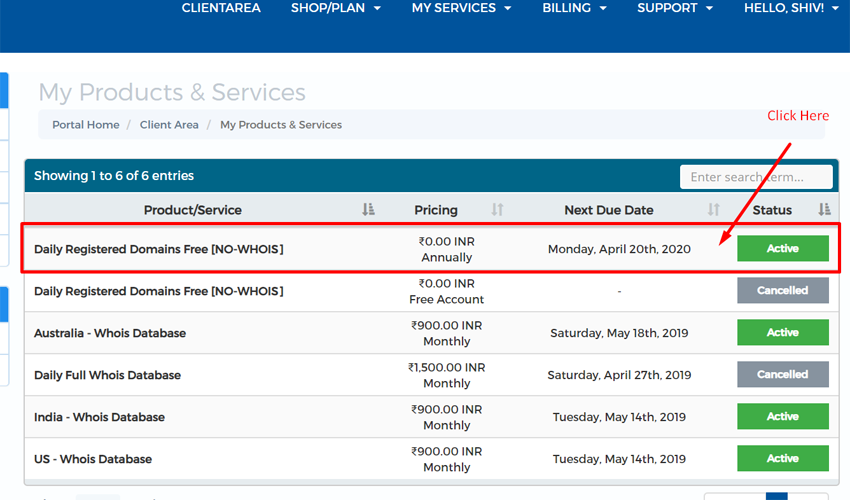
3: Click on Active button
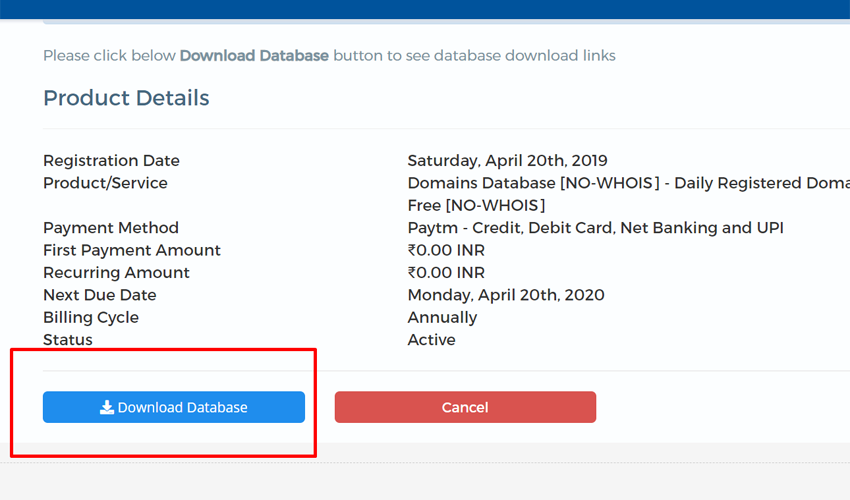
4: Now click on Download database
5: Finally click on the download link
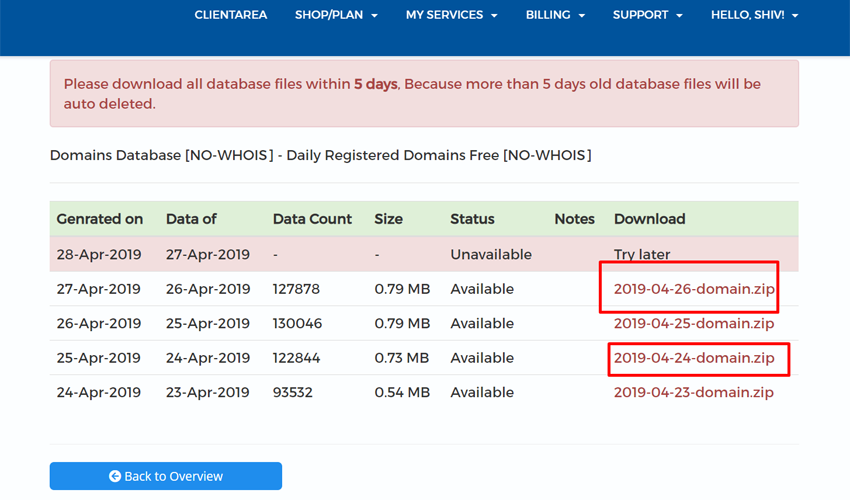
6: Now downloading will start
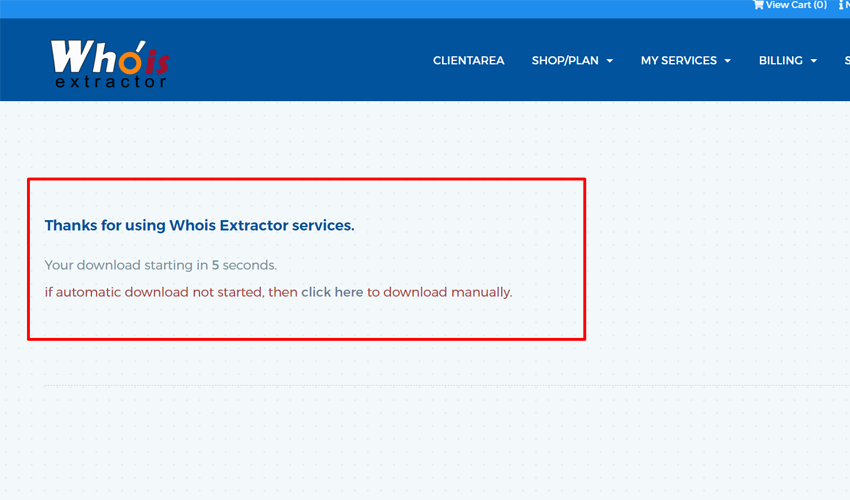
If still facing any issues with downloading database, then Please see below video. or You can contact support